
10 free apps that helped me save over $1,000
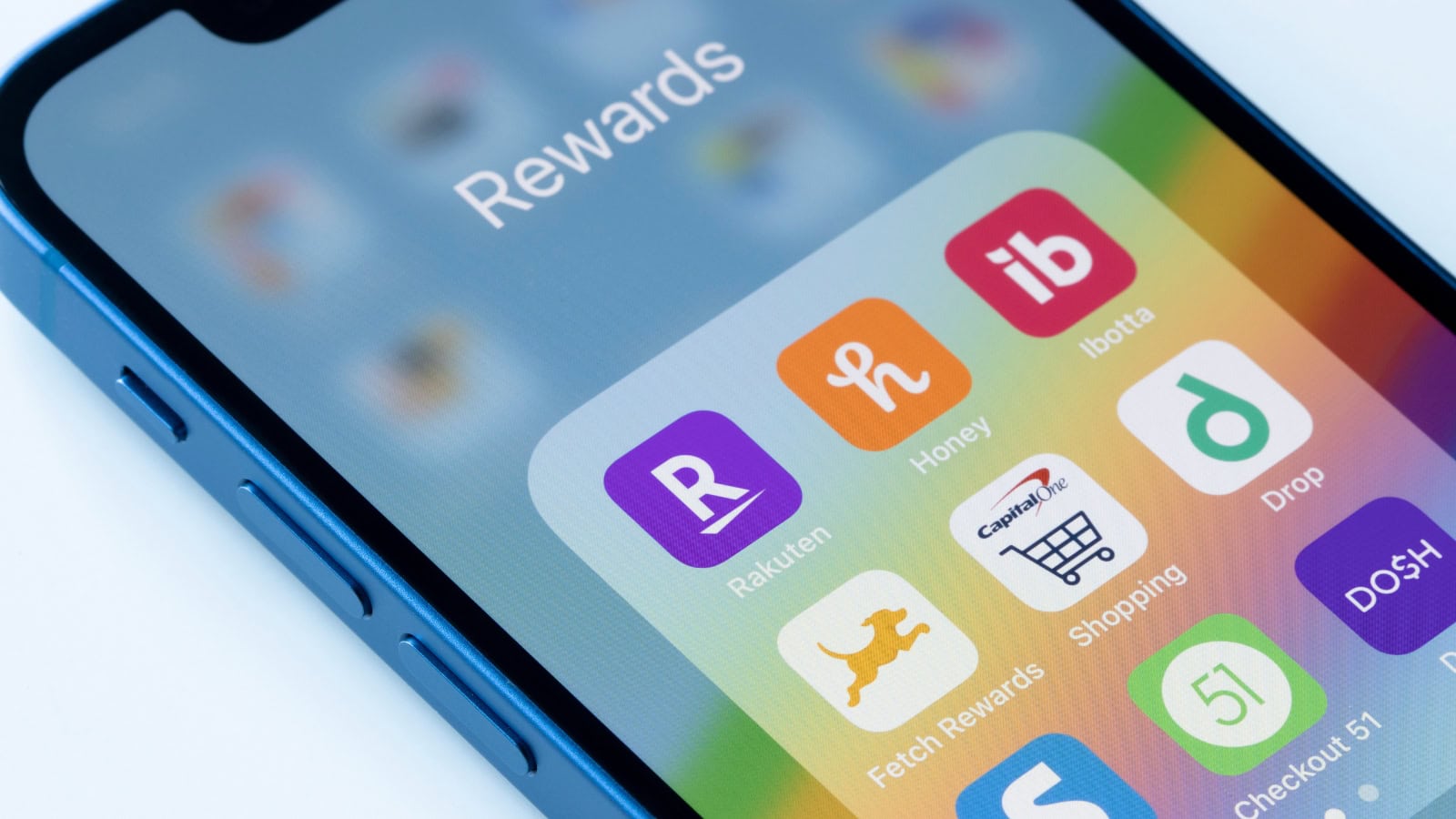
Saving money used to feel like this thing that took tons of planning, spreadsheets, and willpower. But once I found the right tools, it got way easier to spot where my money was going-and stop wasting so much of it. These free apps didn't do the work for me, but they made the whole process faster, clearer, and more doable.
I wasn't cutting corners or sacrificing everything, either. I was just finally using what was already available to stay ahead. Here's what helped me save over $1,000.
Rakuten
If you’re shopping online and not using Rakuten, you’re probably leaving money on the table. It gives you cash back for purchases you were going to make anyway-no hoops, no points, just actual money.
I added the browser extension so I'd get a pop-up whenever a store had offers. I used it on clothes, gifts, even hotel bookings. The cash back adds up fast, and getting those checks in the mail feels like a small win every time.
Upside

Upside is a gas app that gives you real money back when you fill up. You check in at participating stations, pay with your regular card, and the cash back hits your account a few days later.
I started using it during a summer road trip and kept it ever since. Even a few cents per gallon adds up when you're filling up weekly. I've easily saved a few hundred dollars by now-and the app's completely free.
Fetch

Fetch lets you scan receipts-any receipts-and turns them into points you can redeem for gift cards. It doesn't matter where you shopped, as long as there's a receipt.
I got in the habit of scanning mine right after leaving the store. It took maybe five seconds, and over time, I cashed in points for Amazon and Target gift cards. It feels low-effort because it is-but it still adds up.
Ibotta

Ibotta gives you cash back on groceries and household essentials. You activate offers before shopping, then either link your store loyalty account or scan your receipt after.
I don't clip coupons, but this feels like the modern version. I'd open the app before grocery runs, grab a few offers, and scan my receipt later. After a few months, I had enough built up to transfer real cash to my bank.
Honey

Honey is a browser extension that automatically tests and applies coupon codes when you check out. If there's a discount available, it finds it for you.
I've used it on everything from pizza to shoes to home decor. Even if it only saves a few bucks here and there, those savings stack up over time. It also alerts you if an item's price drops-something I used for bigger purchases.
Capital One Shopping

This app is similar to Honey but has its own network of savings and price comparisons. It also tracks price history, so you can tell if you’re actually getting a deal or if the site is playing games.
I started using it after Honey missed a few codes. I keep both installed now, and Capital One Shopping has snagged me better deals on Amazon more than once. Worth having for those big purchases you don't want to overpay on.
Mint

Mint helped me see exactly where my money was going. Once I linked my accounts, it tracked spending, categorized it, and gave me a better picture of what I could cut.
I didn't realize how much I was spending on food delivery until Mint laid it out in front of me. That one insight helped me make a change and save hundreds. It's not flashy, but it works-and it's still free.
You Need a Budget (YNAB Trial + Manual Use)

YNAB isn't free long-term, but they offer a free trial, and you can use their method with a spreadsheet if you don't want to pay. The strategy itself is what helped me the most.
It forces you to give every dollar a job before you spend it. Once I started budgeting that way-whether through the app or a notebook-I stopped reacting to money and started telling it where to go. That shift helped me avoid overspending in categories that used to wreck my budget.
PayPal Honey Cash Back (Separate From Coupon Codes)

A lot of people don't realize Honey also has a cash back program when you shop through their links. It's separate from coupon codes, and you can redeem the cash back for PayPal money or gift cards.
I made it a habit to check if Honey offered cash back before ordering from stores I already liked. It wasn't every purchase, but when it worked, it meant getting paid for clicking one extra button.
Store Loyalty Apps
Stores like Target, Kroger, Walgreens, and CVS all have free loyalty apps with built-in savings. I used to ignore them, but once I actually downloaded them, I started saving on things I was already buying.
Target's app helped me stack sales with Circle offers. Kroger's digital coupons cut down on my grocery bill. I didn't go out of my way to shop-just used the app before I checked out. Over a few months, the savings really added up.
*This article was developed with AI-powered tools and has been carefully reviewed by our editors.





Leave a Reply