
Cutting cable used to mean saving money. You ditched the $120 bill, signed up for a few apps, and felt pretty good about it. But somewhere along the way, that freedom turned into a pile of subscriptions-Netflix, Hulu, Disney+, Prime, Max, Peacock, Paramount+, and who knows what else.
Add them all up, and a lot of households are spending more than they did before. The good news? You don't need to go cold turkey to fix it. You just need to be intentional again.
Audit what you actually watch
Before cutting anything, look at your viewing habits over the past month. Which apps do you open regularly, and which ones you haven't touched since that one show ended?
It's easy to keep paying for services you barely use because auto-pay makes it invisible. But if you're only watching one or two platforms consistently, that's where your money should go. Cancel the rest, and you'll probably never miss them. You can always resubscribe later if something specific catches your eye.
Don't underestimate free and ad-supported options
Many platforms now offer free versions with ads-like Freevee, Pluto TV, Tubi, or even the free tier of Peacock. Sure, you'll see commercials, but it's not that different from regular TV, and the content library can be surprisingly solid.
If you use these in place of one paid service, you can easily save $10-$20 a month. It's not glamorous, but when you're trying to bring your streaming budget back under control, it's an easy win that doesn't feel like sacrifice.
Rotate subscriptions instead of stacking them
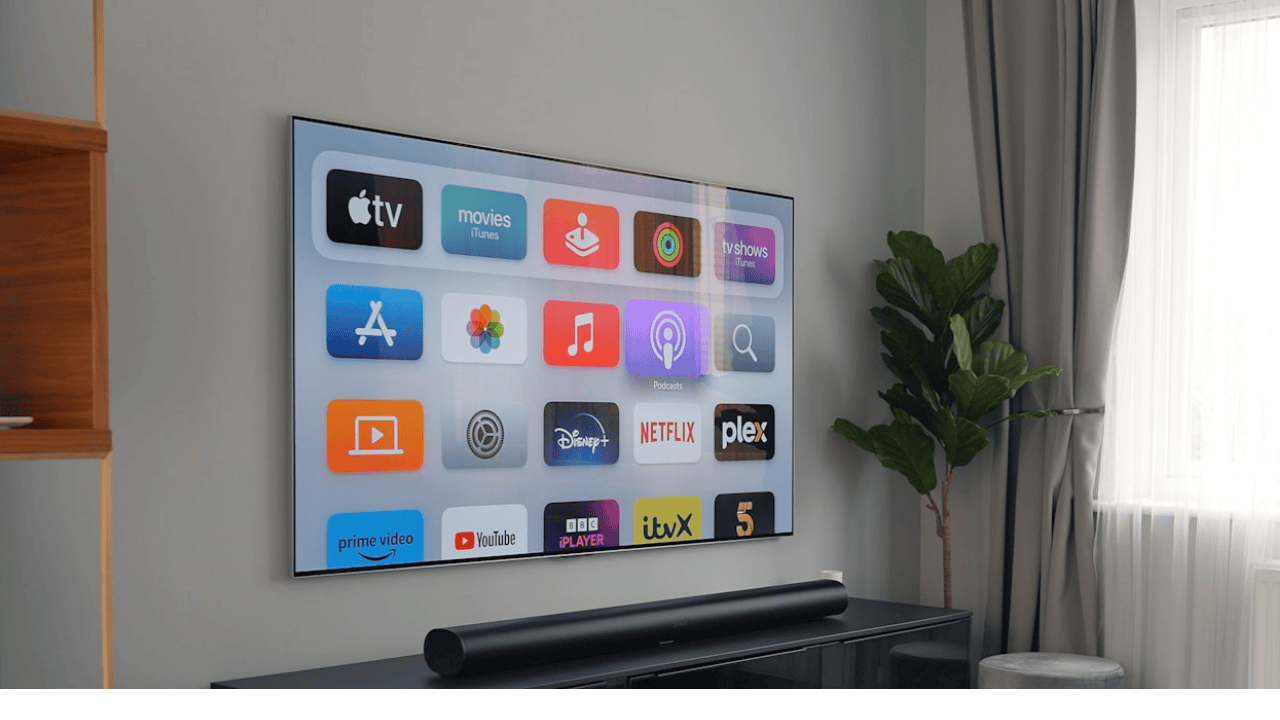
You don't need every streaming service at the same time. Pick one or two for a month, watch what you want, then switch. Most apps let you cancel instantly and rejoin later without losing your watch history.
For example, subscribe to Netflix for a month, then pause it while you move to Disney+ or Max. You'll spend a third as much overall and still get access to the same shows-just not all at once. This strategy works especially well if you're watching long series or waiting for new seasons to drop.
Question whether you need premium add-ons
Premium tiers sound appealing-4K, ad-free, extra downloads-but ask yourself how often you actually notice the difference. Many people pay for the highest plan and don't even stream on a 4K TV.
If you downgrade to a standard plan or one with ads, you can often save $5-$10 per app every month without losing anything meaningful. And if multiple people in your household have their own accounts, it might make sense to consolidate under one shared plan.
Reconsider paid bundles that aren't really saving you
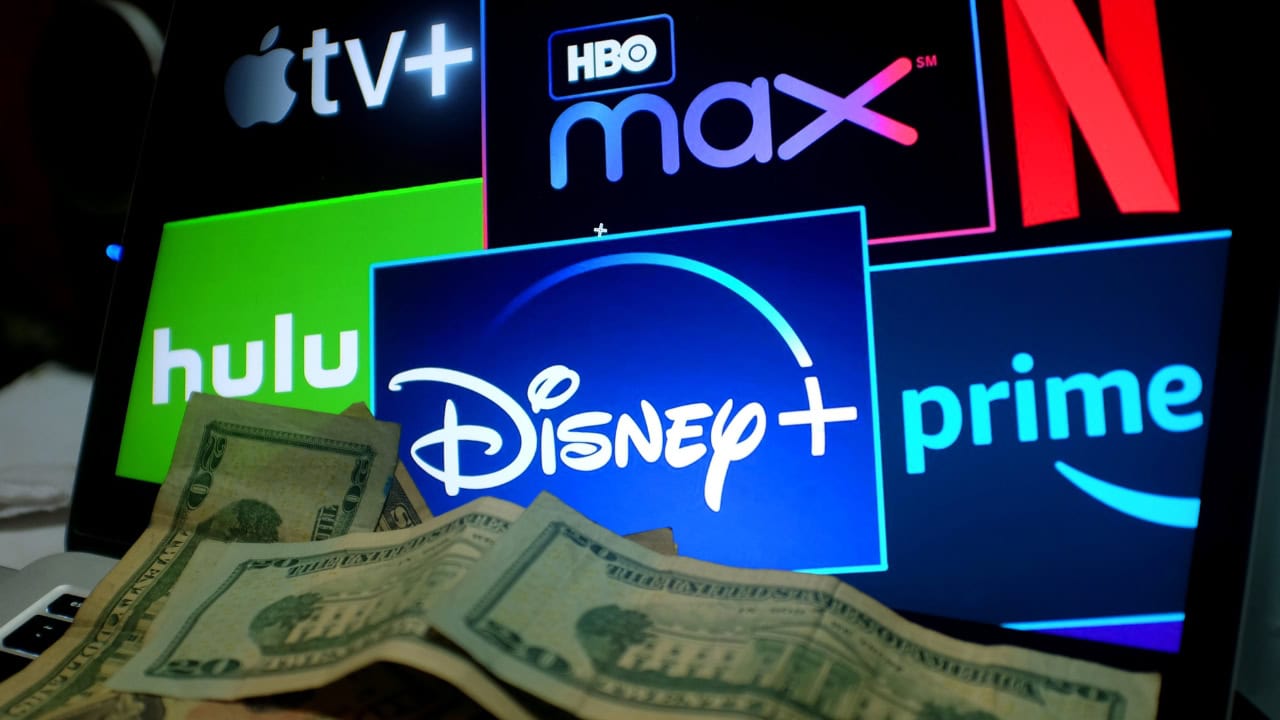
Bundles can look like a deal at first, but only if you're actually using everything in them. That Disney+, Hulu, and ESPN+ combo doesn't make sense if you only ever open Hulu. The same goes for Amazon Prime-if you rarely order online or stream its content, you might be paying for convenience that isn't worth it.
It's okay to break up those bundles. A few smaller subscriptions you actually use are better than one big one that looks efficient on paper but drains your wallet month after month.
Keep your streaming separate from impulse spending
Streaming services often tempt you with new add-ons, rentals, or exclusive movie releases. Those $5.99 rentals or one-time purchases add up fast, especially if you forget they're not included in your subscription.
If you want to rent a movie occasionally, do it through a pay-per-view option instead of tacking it onto an existing app. It's easier to track your spending when you separate one-time entertainment from recurring costs.
Set a cap and treat it like any other bill
Instead of letting your streaming costs drift higher every month, decide what you're willing to spend-say, $40 or $50 total-and make it a rule. If you add something new, cancel something else.
This keeps you in control instead of letting marketing decide for you. It also helps you think of streaming like any other utility-you use what you pay for, and you don't pay for what you're not using.
Streaming isn't the enemy of saving-it's the habits that sneak in over time. When you stop paying for convenience and start paying for what you actually watch, the savings come naturally. You'll still have plenty to stream, but your money will finally stay where it belongs: with you.
*This article was developed with AI-powered tools and has been carefully reviewed by our editors.






Leave a Reply