

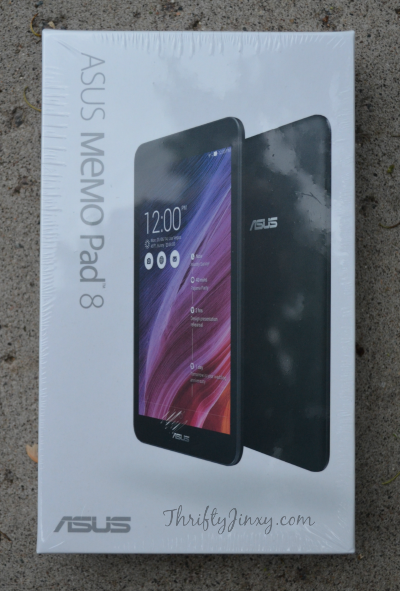
I think my husband Mario’s favorite part about my job is that HE gets to try out so many cool new tech products. He is a technology and gadget junkie, so if it’s new he wants to know about it and get his hands on it. So, he was super happy when I told him we would be doing an ASUS Memo Pad review before the product was even released to the market.
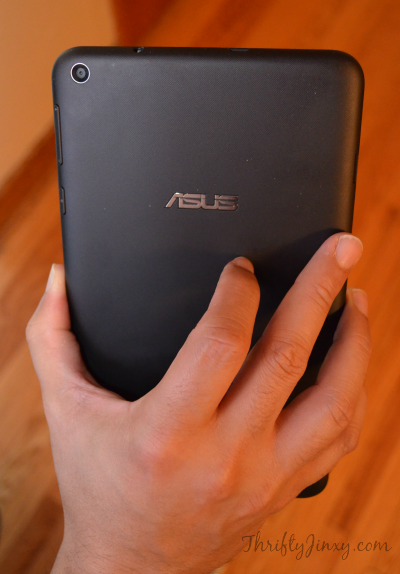
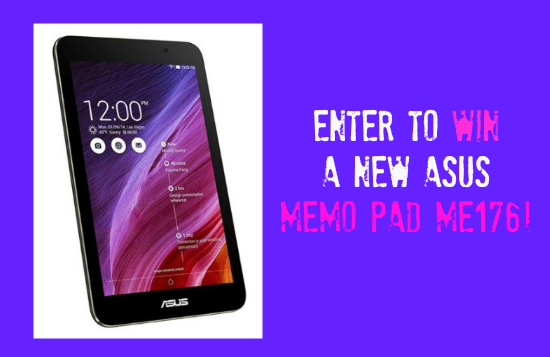
The model we received, the MeMO Pad ME181 (also known as the MeMO Pad 8), comes complete with Intel inside. It has Quad-Core Performance to help boost the speed. As you can see above, it is a great hand-held size and it’s also thin and super light at just over 11 ounces. Its operating system is the latest and greatest Android 4.4 KitKat. And, to top things off, it has full HD Video recording with a 5MP Camera.
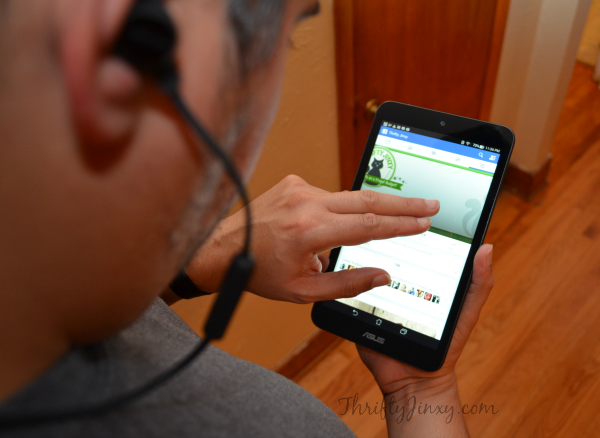
After using the MeMO Pad for about a week, Mario found both some pluses and some minuses for this new product. I’ll get the negatives out of the way first. As a disclaimer, I should add that the original list of negatives was longer, but as he continued to play around and experiment with the MeMO Pad he was able to resolve some of his initial issues. So, hopefully some of these may also be resolved as he finds answers to them.
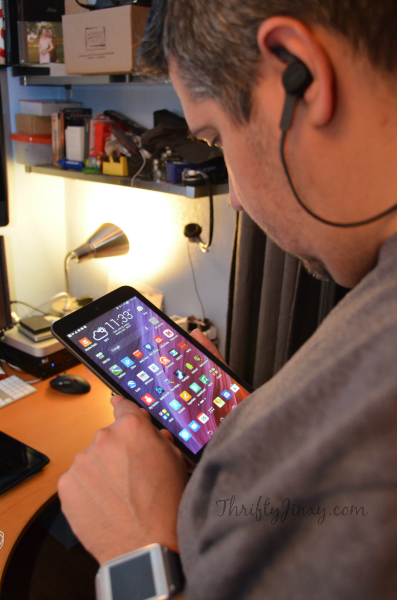
First on the list of negatives was a very basic one that when the MeMO Pad is laying flat on a surface, there is no “home” button or any other way to remove it from standby – you actually have to pick it up off the table to reach the switch. He also didn’t find the resolution of photographs as good as he had hoped and I confirmed that pictures didn’t look extremely clear – hoping to find a way to resolve that one. And the issue that caused him the most grief is that he hasn’t been able to get it to successfully play Netflix without constantly buffering.

On to the positives – the MeMO Pad is awesome for playing music! It has great sound quality. As a note of advice, if you’re not happy with the volume through your headset when you first use the MeMO Pad, that setting can be adjusted through the system settings. As an added bonus, the MeMO Pad also comes loaded with eMusic, which lets you play, discover and download music. It even comes with 75 complimentary downloads from ASUS!

Another area where the MeMO Pad excels is as an e-reader. It is the perfect size to hold in one hand and read, but still have a screen that is large enough to read easily. I may be stealing the MeMO Pad back from hubby to use it for this feature!
There are lots of other features I haven’t even mentioned like the Micro SD card slot for extra storage, 500 GB of free online storage with ASUS WebStorage Service and camera features like Time Rewind, Smart Remove for photobombs and Auto Selfie. You can visit https://www.asus.com/us/site/tablets/ to learn about these and all the other features, as well as where to purchase.






Karen says
I love the Time Rewind Feature, how handy would that be? With an active kiddo I need something like this so it can be rewound and done again. Would never miss any of that crazy stuff.
Julie Hawkins says
I lime that it uses an intel processor
marty rawls says
Nice review so I am entering to win it
susan smoaks says
i am excited about the camera
jasyntha c says
The anti finger print is a nice feature
elishia bakle says
i love all the colors! and the fast that it is so thing and light weight!
Susan Climan says
I learned that it has an Intel processor inside of it.
Kelly Britton says
They come in different color, nice!
amy deeter says
i learned u can Enjoy high quality HD entertainment anywhere with the bright IPS display
Pam Allen says
Ummm I learned you can rewind the camera feature…LOVE THAT!
sheila ressel says
I like the time rewind feature on the camera. You never miss anything.
Mildred Floyd says
MeMO Pad now has Intel Inside
Kimberly says
I like the Time Rewind feature.
Becky W says
I would love to win a tablet. It would help me organize life so much better.
Janice Crespo says
I love that I can rewind the camera and get the perfect picture – I am always a tad too late so this would be great for me!