

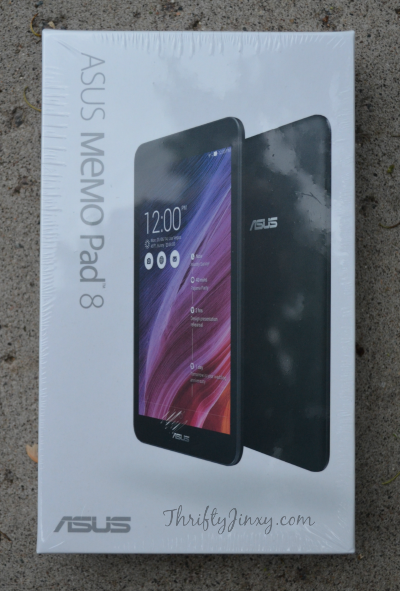
I think my husband Mario’s favorite part about my job is that HE gets to try out so many cool new tech products. He is a technology and gadget junkie, so if it’s new he wants to know about it and get his hands on it. So, he was super happy when I told him we would be doing an ASUS Memo Pad review before the product was even released to the market.
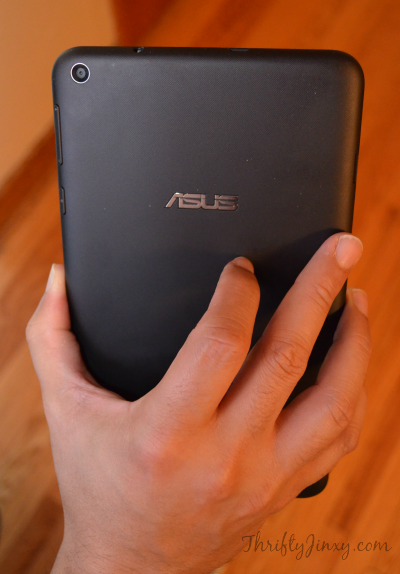
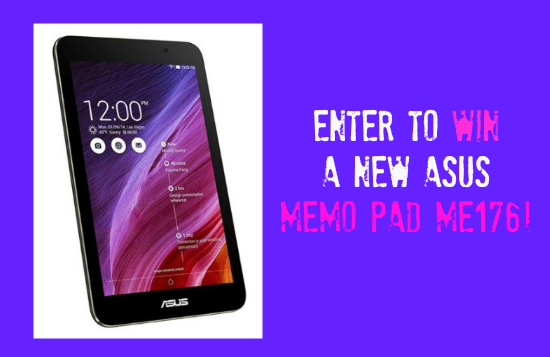
The model we received, the MeMO Pad ME181 (also known as the MeMO Pad 8), comes complete with Intel inside. It has Quad-Core Performance to help boost the speed. As you can see above, it is a great hand-held size and it’s also thin and super light at just over 11 ounces. Its operating system is the latest and greatest Android 4.4 KitKat. And, to top things off, it has full HD Video recording with a 5MP Camera.
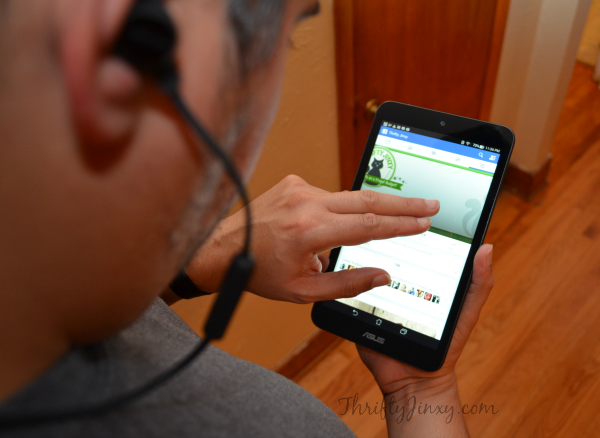
After using the MeMO Pad for about a week, Mario found both some pluses and some minuses for this new product. I’ll get the negatives out of the way first. As a disclaimer, I should add that the original list of negatives was longer, but as he continued to play around and experiment with the MeMO Pad he was able to resolve some of his initial issues. So, hopefully some of these may also be resolved as he finds answers to them.
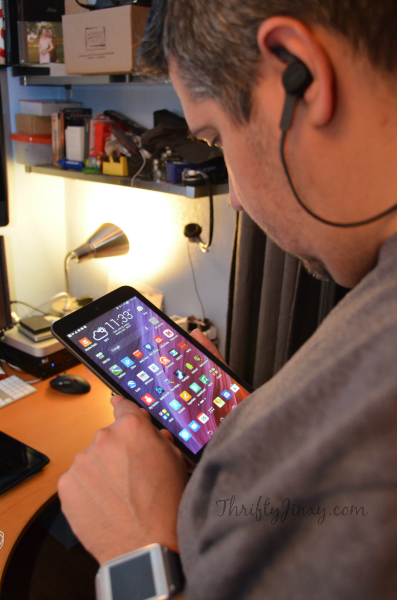
First on the list of negatives was a very basic one that when the MeMO Pad is laying flat on a surface, there is no “home” button or any other way to remove it from standby – you actually have to pick it up off the table to reach the switch. He also didn’t find the resolution of photographs as good as he had hoped and I confirmed that pictures didn’t look extremely clear – hoping to find a way to resolve that one. And the issue that caused him the most grief is that he hasn’t been able to get it to successfully play Netflix without constantly buffering.

On to the positives – the MeMO Pad is awesome for playing music! It has great sound quality. As a note of advice, if you’re not happy with the volume through your headset when you first use the MeMO Pad, that setting can be adjusted through the system settings. As an added bonus, the MeMO Pad also comes loaded with eMusic, which lets you play, discover and download music. It even comes with 75 complimentary downloads from ASUS!

Another area where the MeMO Pad excels is as an e-reader. It is the perfect size to hold in one hand and read, but still have a screen that is large enough to read easily. I may be stealing the MeMO Pad back from hubby to use it for this feature!
There are lots of other features I haven’t even mentioned like the Micro SD card slot for extra storage, 500 GB of free online storage with ASUS WebStorage Service and camera features like Time Rewind, Smart Remove for photobombs and Auto Selfie. You can visit https://www.asus.com/us/site/tablets/ to learn about these and all the other features, as well as where to purchase.






Tory says
I like that its affordable and would be great to take to school this fall!
Miranda Ward says
I learned it has a intel chip inside it..
freebiegoddess03@aol.com
Thuy Vu says
I love how it is really thin and durable.
rachel Johnson says
pretty display
Robin Snyder says
I like how thin it is…and it is so versatile! – with its speed and Intel inside you can’t go wrong!
Douglas Houston says
It uses a powerful quad-core Intel processor.
Richard Daniels says
i like that it utilizes an intel processor
Angela says
I learned that it has an android OS.
Deborah Gardner says
I love the Intel processor!!
christine jessamine says
I love that they offer webstorage
Neil T says
They’ve got Intel Atom CPU.
Birdiebee says
I love the What’s Next feature to keep you organized.
kyl neusch says
has Intel for a processor
Tiffany Wait says
This looks like the perfect tablet for a busy mom like me who always has her hands full! The slim design makes it easy to take anywhere!
Kiley P. says
I like how thin and light weight they are.