
For years, I've been a loyal Kindle Paperwhite user. It did exactly what I needed it to do, I was perfectly happy with it, and honestly, I didn’t think there was anything better out there. But when I finally decided to test the waters with the Kobo Libra Colour, I realized just how much I'd been missing.
This post features complimentary products provided by the manufacturer for review and includes affiliate links. Jinxy Media may earn a commission on purchases made through these links at no extra cost to you.
It turns out, e-readers have evolved into sleek, powerful little powerhouses that do way more than just mimic a paper page. If you’re on the fence about switching brands or upgrading your old device, here is what completely won me over to the Kobo Libra Colour (and the one thing I’m still trying to figure out).
HEADS UP: Even if you don’t want to read my full review, right now you can save $30 on the Libra Colour HERE!
What Makes the Kobo Libra Colour Different?
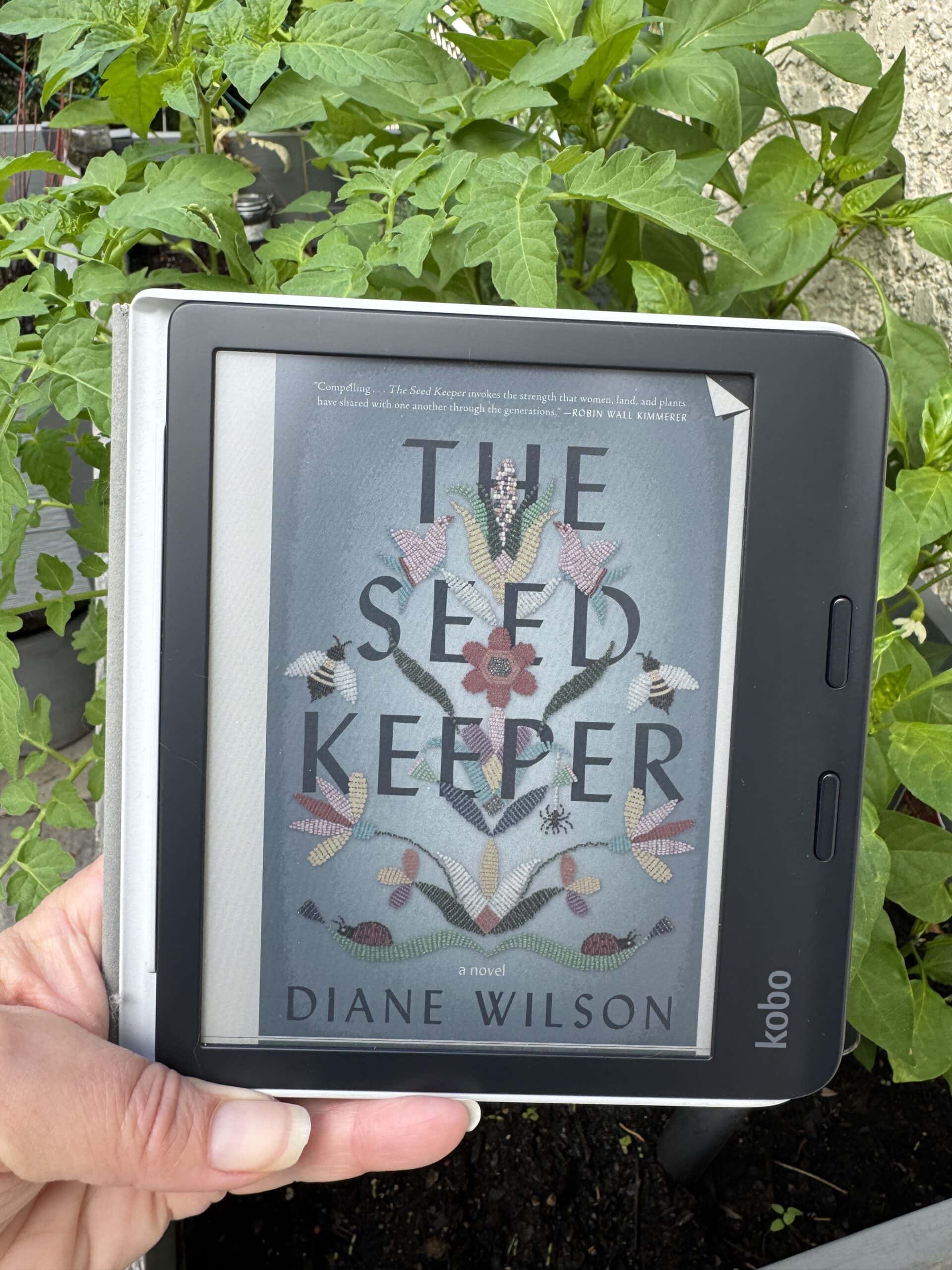
The Kobo Libra Colour is part of Kobo's newer generation of e-readers that introduces color E-Ink technology. Meaning to say that instead of just black-and-white text, this screen can display color elements like highlights, graphics, and illustrated books while still using the low-power benefits of e-ink.
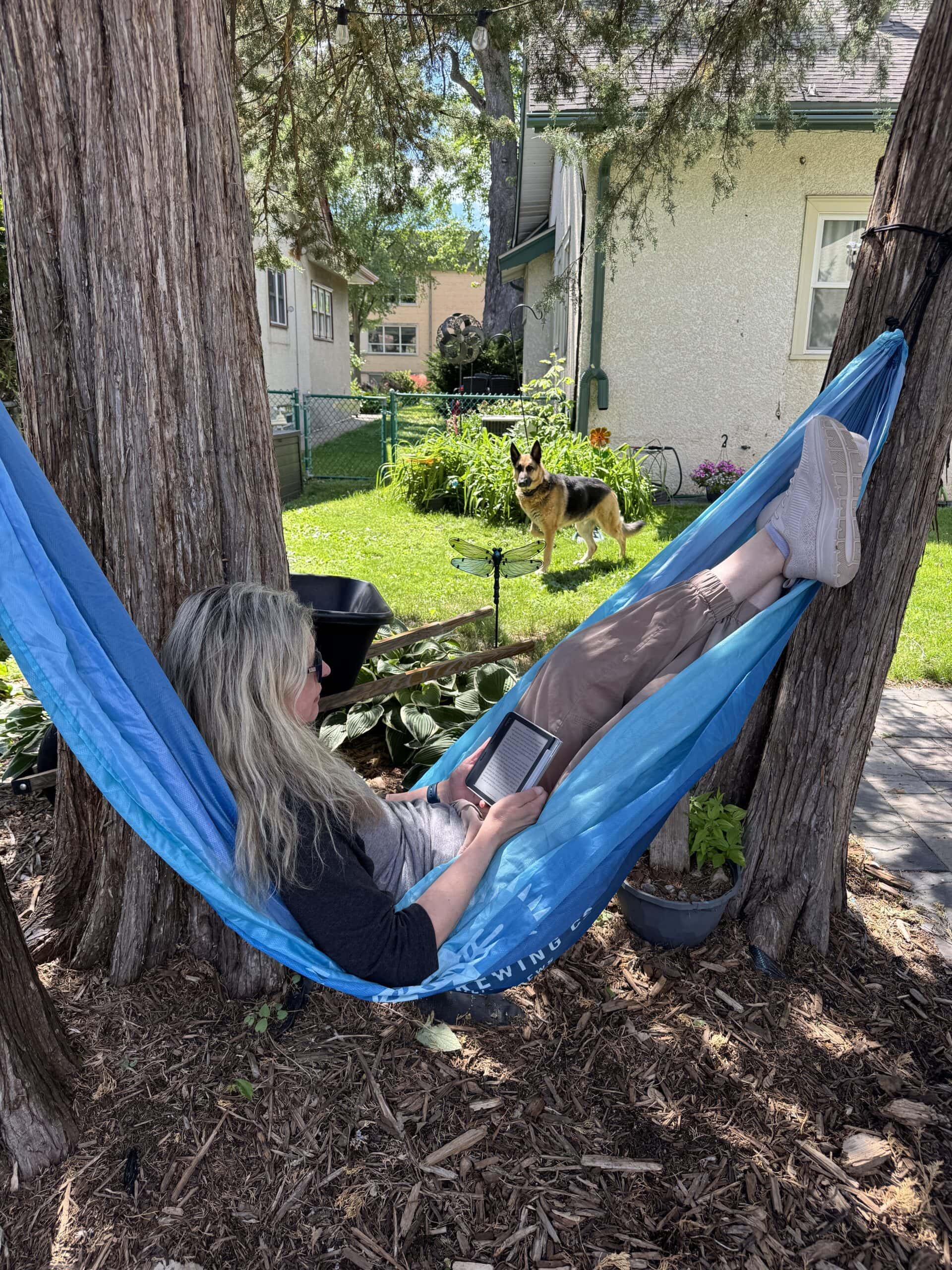
The device also has an asymmetrical design with physical page-turn buttons, allowing you to hold it comfortably with one hand. This is especially helpful during long reading sessions or when reading in bed.
With features like waterproofing and adjustable lighting, it's simply designed for reading anywhere!
Kobo Libra Colour Features and Specs
Here are the key specifications and facts about the Kobo Libra Colour:
- Display – 7-inch E Ink Kaleido™ 3 color display with a resolution of 1264 × 1680 pixels. 300 PPI for black-and-white content and 150 PPI for color content. Dark mode available for comfortable nighttime reading
- Storage – 32GB of storage. Can hold thousands of eBooks, depending on file size.
- Battery Life – Up to 40 days on a single charge (based on 30 minutes of reading daily with Wi-Fi off)
- Lighting – The ComfortLight PRO adjustable front light lets you control brightness and reduce blue light exposure for nighttime reading
- Waterproof Design – Rated IPX8 waterproof, can survive up to 60 minutes in 2 meters of water
- Connectivity – Has Wi-Fi support, Bluetooth for audiobooks and a USB-C charging port
- Processor – Dual 2.0 GHz CPU for smoother performance
- Weight and Size – Dimensions: 144.6 × 161 × 8.3 mm and Weight: about 199.5 grams
- Supported File Formats – CBZ and CBR comic formats, EPUB, EPUB3, PDF, MOBI, JPEG, GIF, PNG, BMP, TXT, HTML, RTF
My Reading Experience with Kobo Libra Colour
One of the biggest advantages of the Kobo Libra Colour is how close it feels to reading on paper, but with some serious upgrades to the physical experience. Coming from a Paperwhite, the design of the Kobo immediately stood out. It is incredibly comfortable to hold, and I love having the flexibility to turn pages using either the touch screen or the physical buttons depending on how I’m sitting.
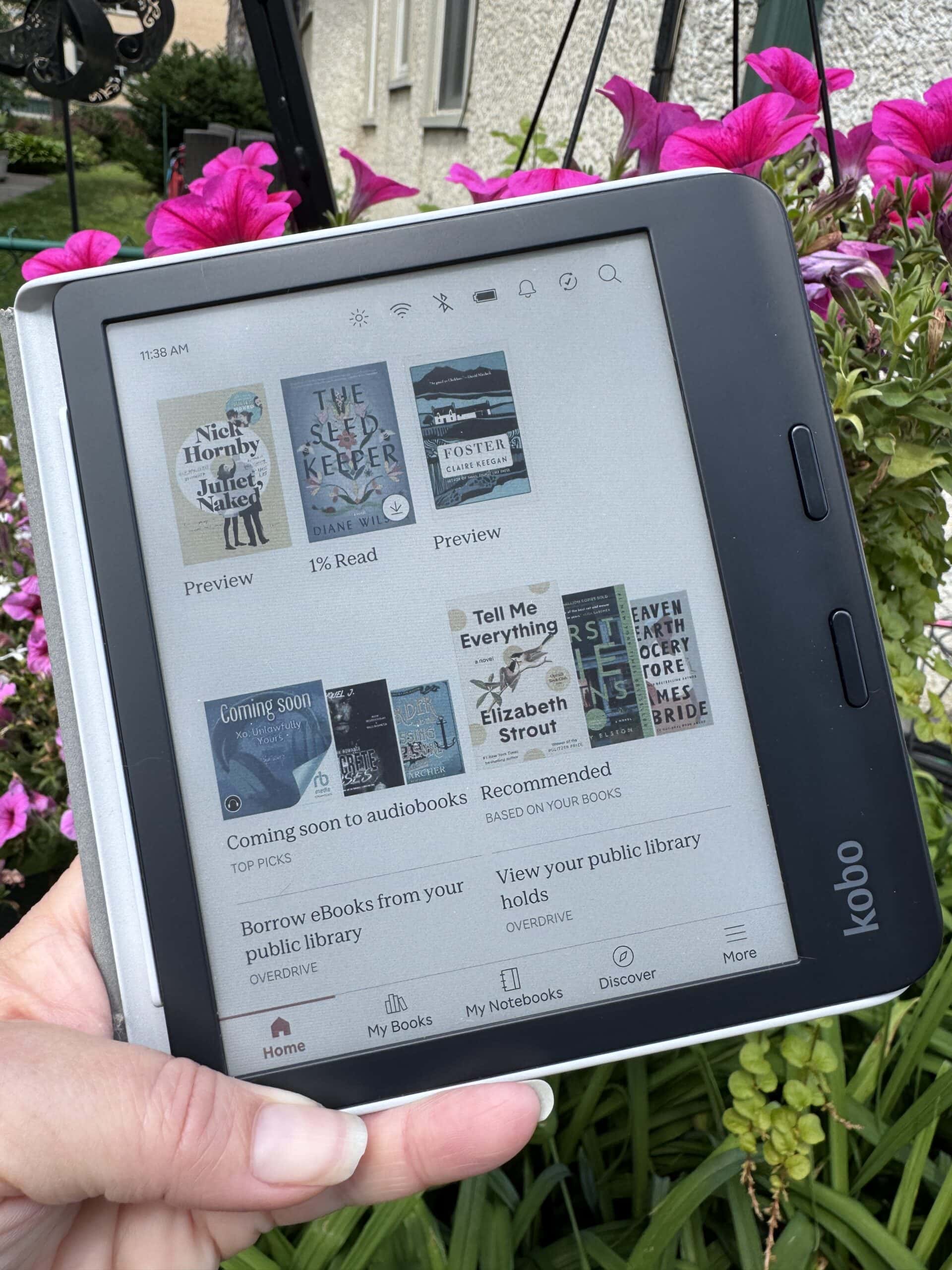
Then, there's the color. It might sound minor, but seeing your book covers in full, vibrant color completely changes how your digital library feels. The color display also opens up new possibilities that most traditional e-readers don’t:
- Viewing book covers and illustrations in color (instead of standard grayscale)
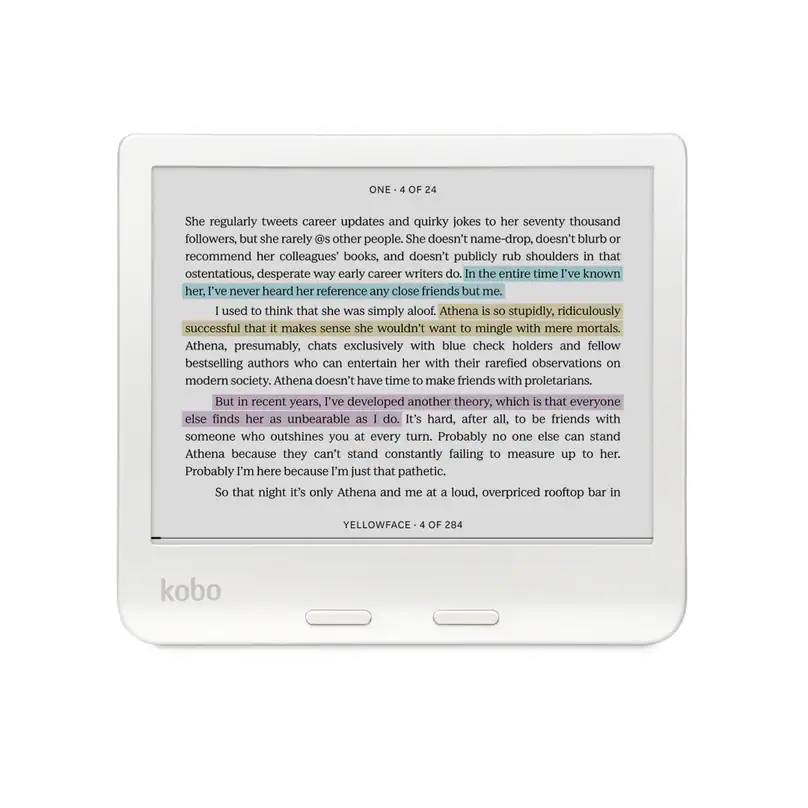
- Highlighting passages using different colors for notes
- Reading comics and graphic novels exactly how they were meant to look
- Marking up documents and journals with color-coded annotations
The One Drawback: Library Syncing I want to be completely transparent: it hasn’t been entirely seamless. If you rely heavily on borrowing books from your local library, the Kobo can be a little tricky to learn how to sync up compared to the seamless Amazon ecosystem. I’m still actively working on tweaking my library setup to get it running smoothly, but just as of today with a new update to my Kobo software I think I may have it all figured out.
For pure text readers who just want basic black-and-white fiction, your current e-reader might do the trick. But if you want a more comfortable design, love visual content, or just want to see your gorgeous book covers in full color, this is a massive upgrade!
Comparison with Phones and Tablets
Many people wonder whether it's better to read on a phone, tablet, or a dedicated eReader like the Kobo Libra Colour. While phones and tablets are versatile devices, eReaders are designed specifically for reading. And again, the saying “to each his own” applies in determining which is best for you.
Screen and Eye Comfort
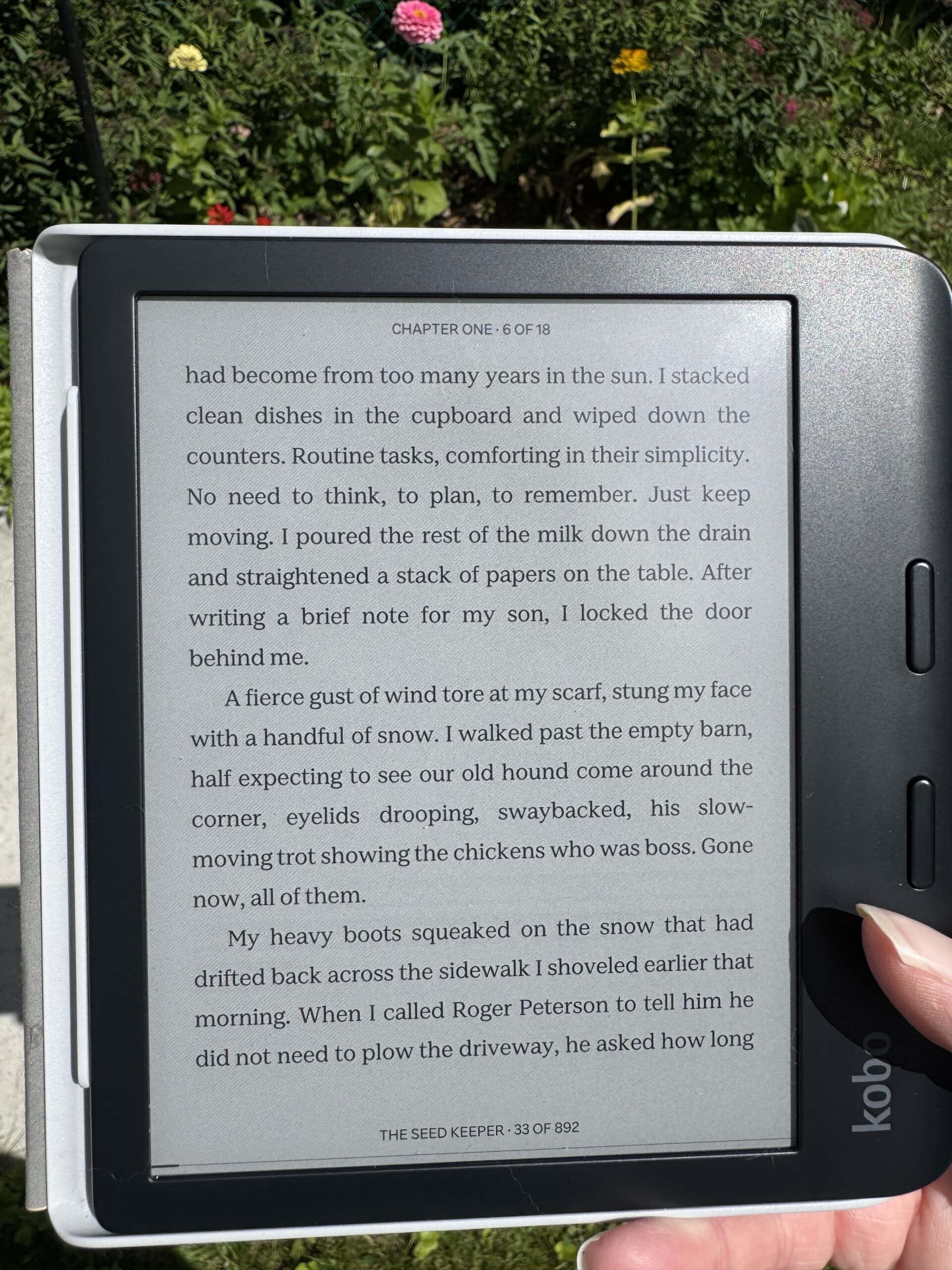
The Kobo Libra Colour uses a 7-inch E Ink Kaleido™ 3 display that looks more like paper and reduces glare. This can make long reading sessions more comfortable compared to the bright LED or OLED screens used on phones and tablets.
Battery Life
Battery life is another big difference.
- Kobo Libra Colour: Up to about 40 days with typical reading use
- Smartphones/Tablets: Usually 1-3 days before needing a charge
Because eReaders only run reading functions, they consume far less power.
Distractions
Phones and tablets constantly send notifications from messages, apps, and social media. The Kobo Libra Colour focuses mainly on reading, which helps many people stay immersed in a book without interruptions.
Learn more HERE and order yours to check it out for yourself. Happy reading!




Leave a Reply