
9 smart phone settings that can save you real money over a year

Your phone can quietly cost you a lot more than the bill-data overages, in-app purchases, random subscriptions, and "oops" impulse buys when you're bored. The good news is, you can bake a lot of protection right into your settings.
These tweaks don't feel dramatic, but stacked over a year, they can easily add up to real money back in your pocket.
1. Turn off cellular data for non-essential apps
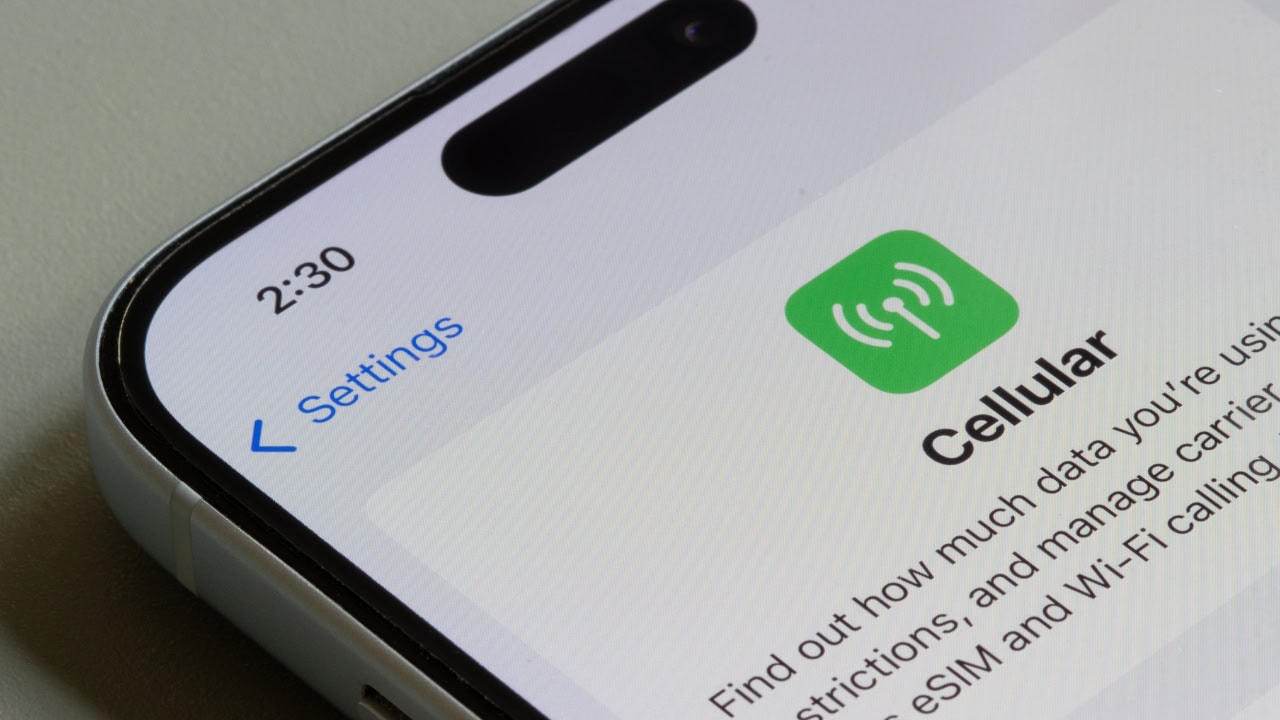
Go into your cellular/mobile data settings and scroll the list. Turn data off for anything that doesn't need to work away from Wi-Fi: games, social media, photo backup, random apps.
If it can wait until you're home, make it wait. This cuts down data overages and keeps kids from streaming whole shows on LTE when you thought they were just "playing a game."
2. Limit background app refresh and background data
Background refresh is handy, but it also means apps are chewing through data and battery when you're not even looking at them.
Turn background refresh off for most apps, or set it to Wi-Fi only. Same idea for Android's background data limits. Less background activity = fewer surprise data charges and slightly less constant charging.
3. Set hard data warnings and caps
Most phones let you set a monthly data limit and a warning when you're getting close. Turn that on.
Instead of finding out you blew past your data when the bill hits, your phone tells you, "Hey, slow down," while you still have time to switch to Wi-Fi or cut back on streaming.
4. Lock down in-app purchases
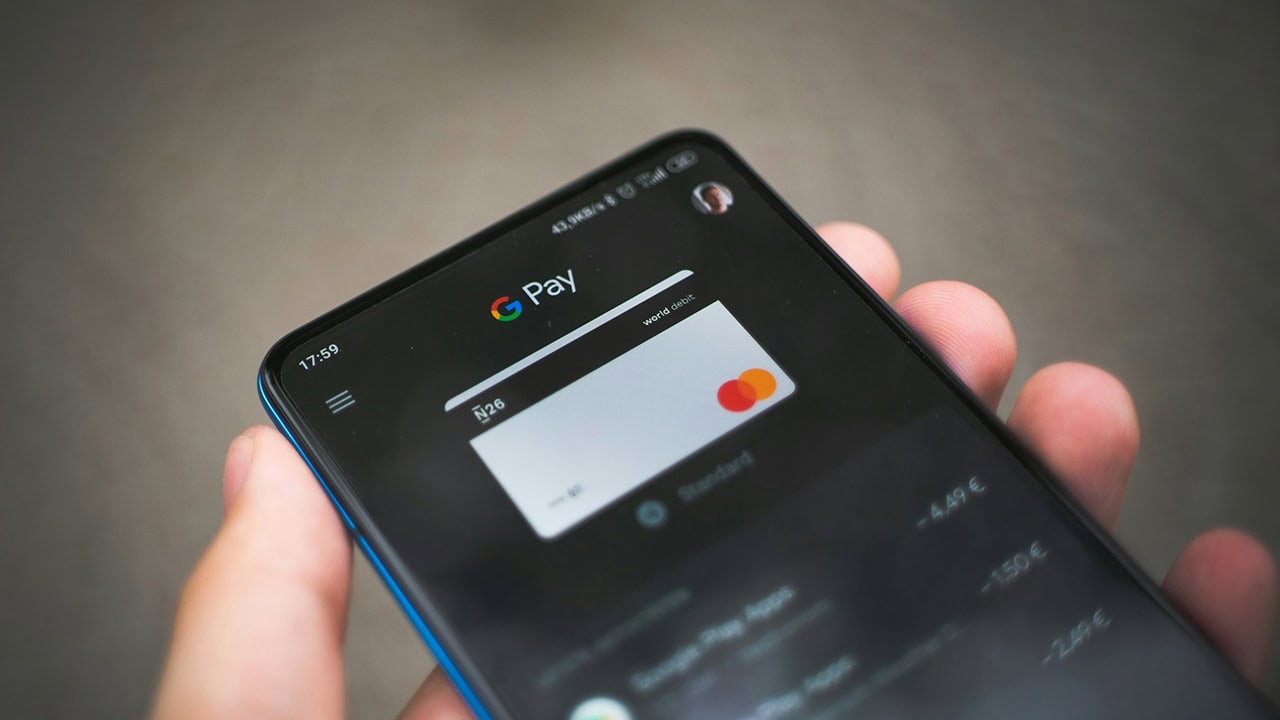
If you have kids-or if you're the type to hit "buy" a little too fast in games or apps-go into settings and require a password/Face ID for every purchase. Turn off "one-tap" or "no password for 15 minutes" options.
That tiny bit of friction keeps "just one more level" from turning into actual money disappearing in the background.
5. Kill push notifications from shopping apps
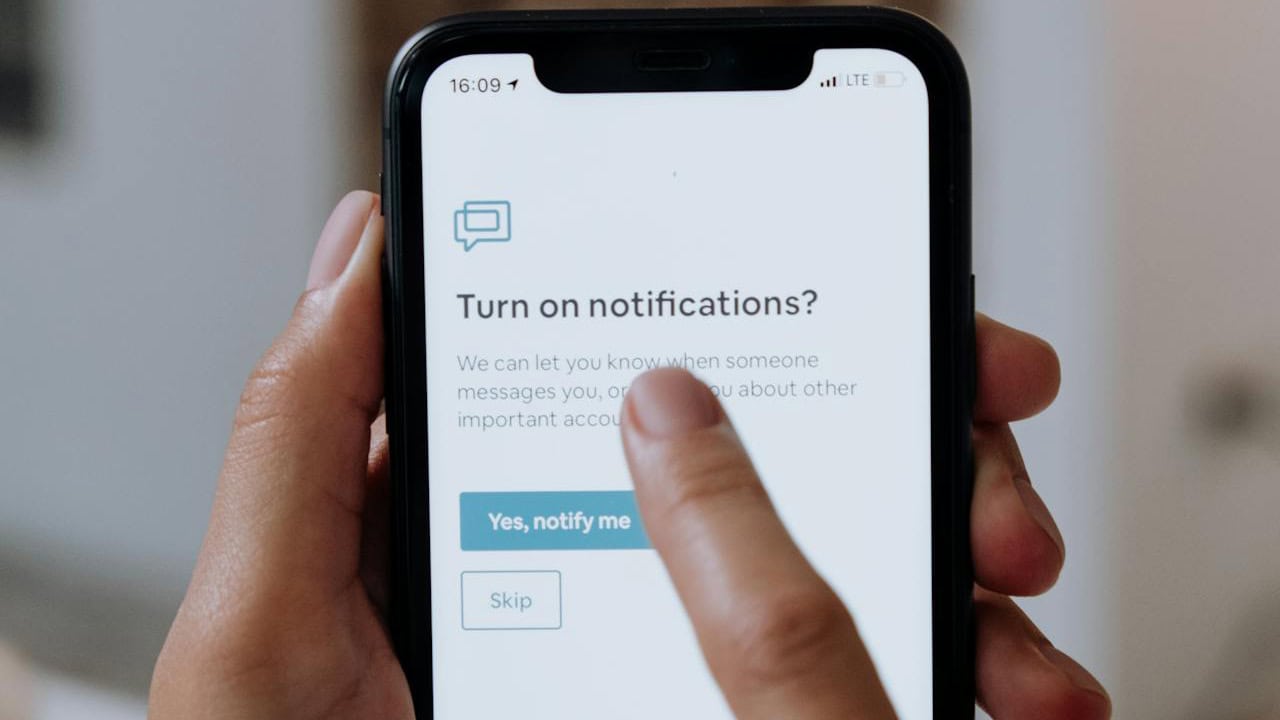
Shopping apps are built to poke you: sale alerts, "your item is almost sold out," "you left something in your cart." Turn those notifications off.
You'll still be able to shop when you want to. You just won't have ten companies whispering in your ear every day telling you that today is the last day to buy something.
6. Turn off auto-downloads on data
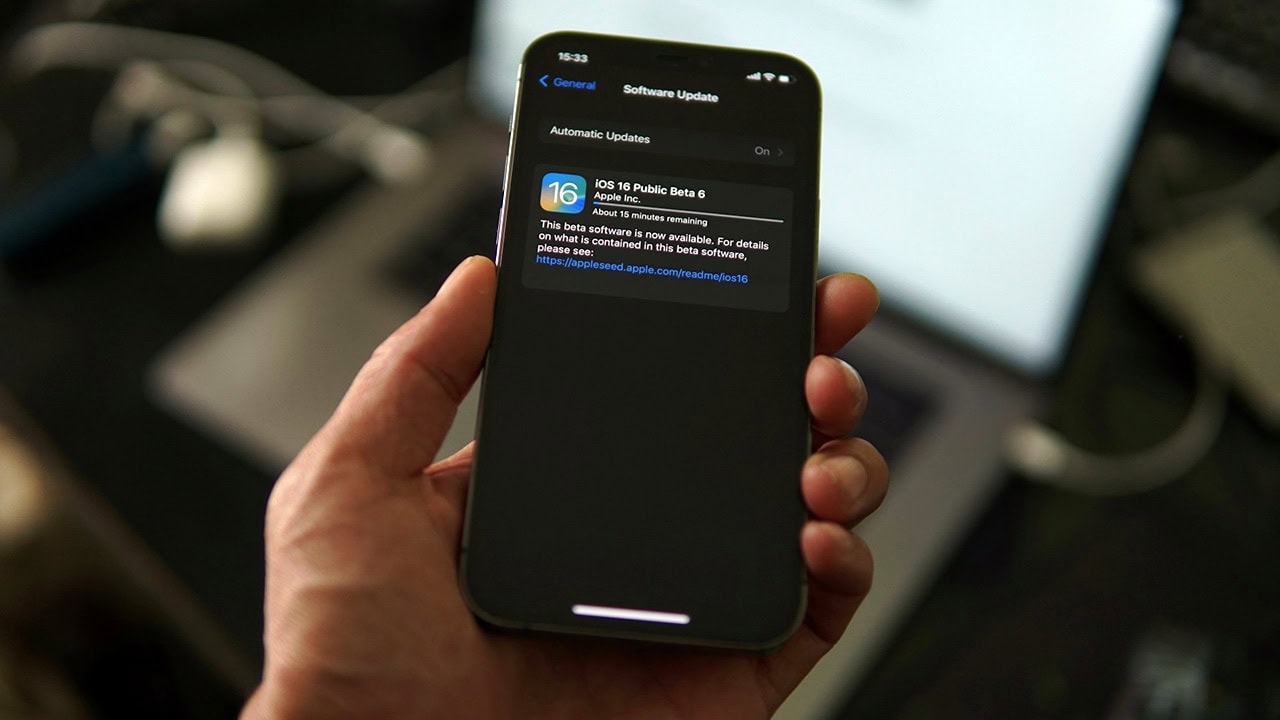
Make sure big things-podcasts, app updates, photos syncing-only download on Wi-Fi. There's usually a toggle in the app or system settings for "Wi-Fi only."
That way you're not accidentally burning half your data on background downloads while you're sitting in a parking lot.
7. Tighten location services
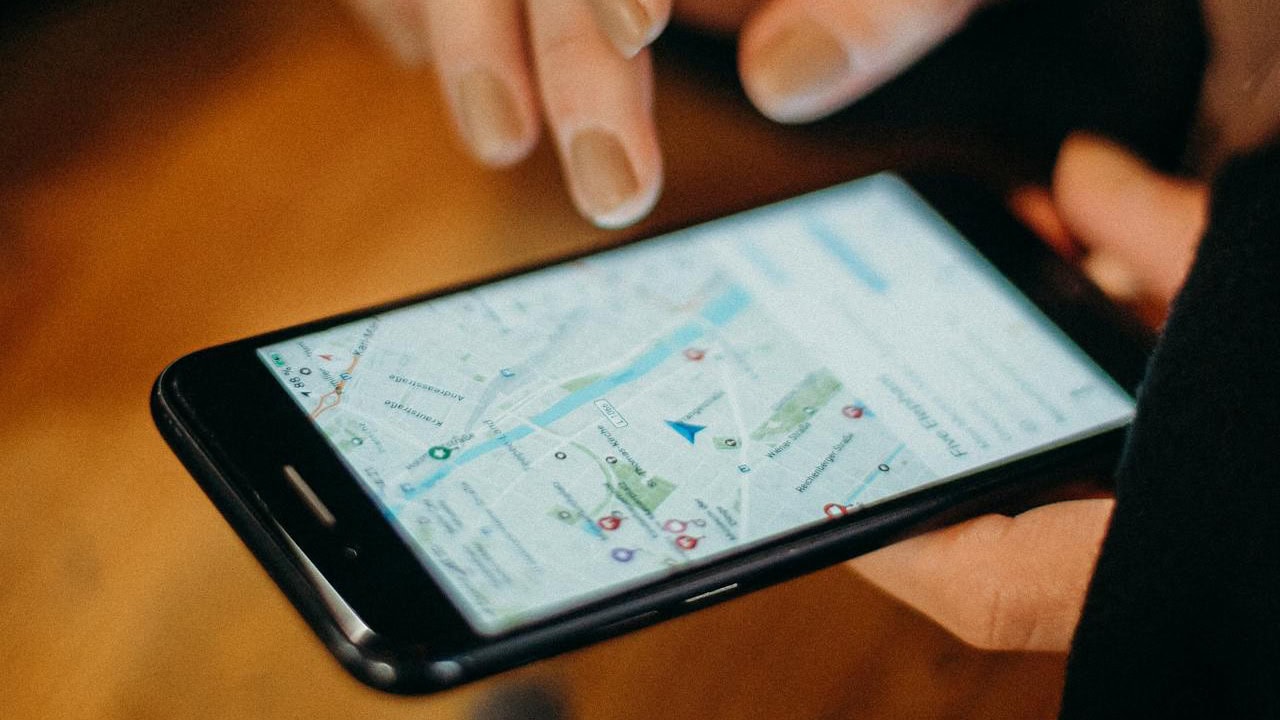
Location is useful for maps and weather. It's less necessary for a random game or shopping app. Switch most apps from "Always" to "While Using," and turn it off completely for anything that doesn't need it.
You're not just saving battery-you're keeping certain apps from constantly pinging your location in the background.
8. Use focus modes to hide spending triggers
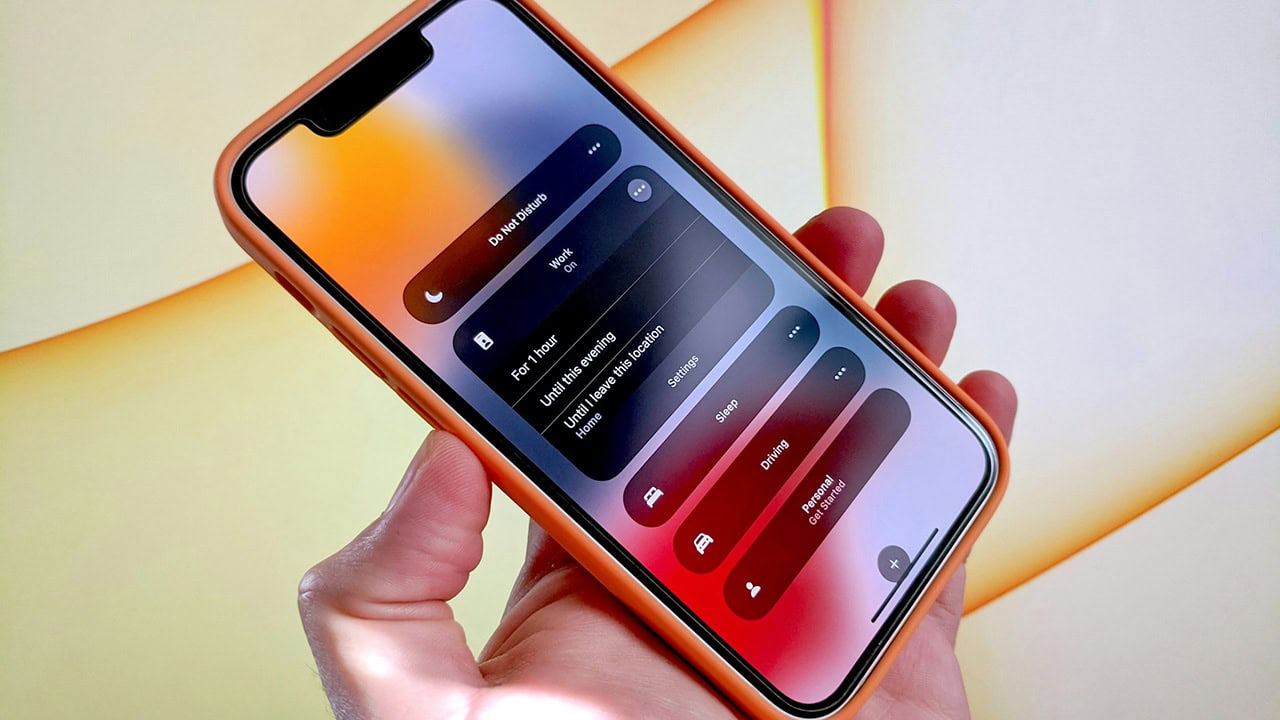
Set up a Focus/Do Not Disturb mode that hides shopping and social apps during certain hours-like late at night or first thing in the morning.
You're not deleting them forever. You're just making it harder to mindlessly open Amazon at 11 p.m. because you're tired and scrolling.
9. Review subscriptions right from your phone
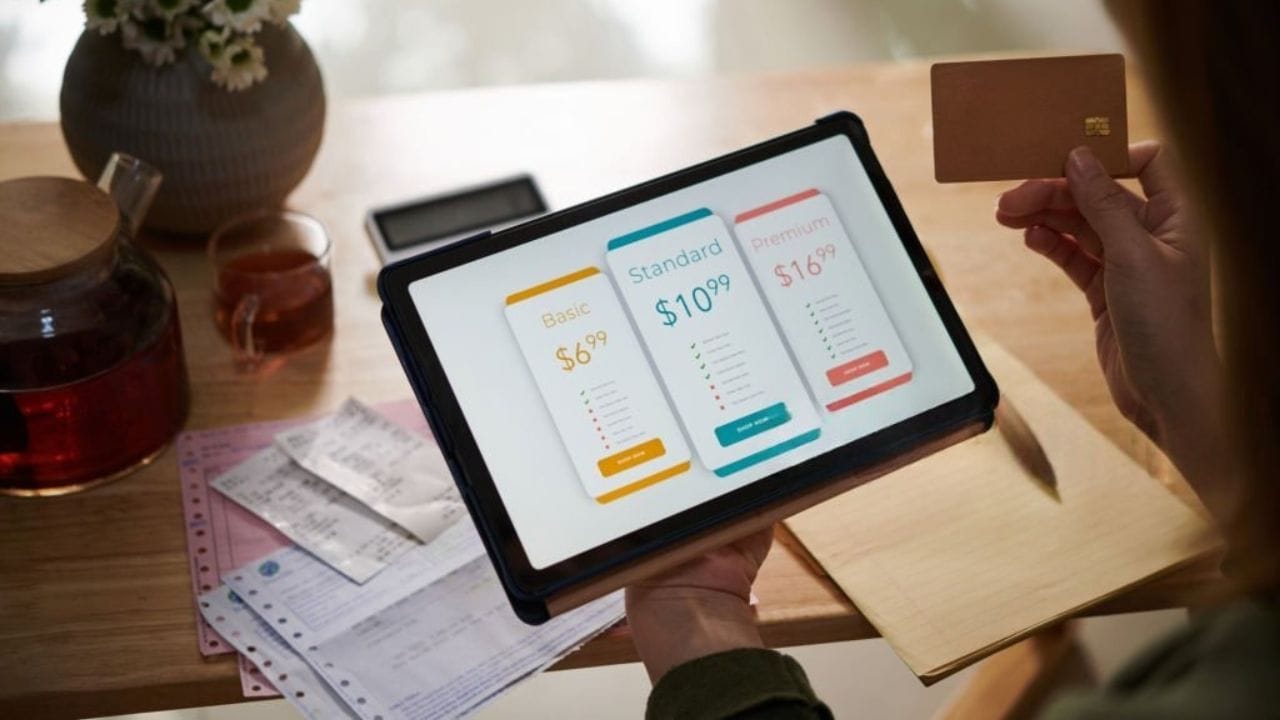
Once a month, open your phone's "Subscriptions" or "Payments & Subscriptions" section and see what's actually getting billed. Cancel anything you forgot about or don't use.
That five-dollar-here, eight-dollar-there stuff is easy to ignore until you see it all lined up. Your phone already has the list-use it.
Like Thrifty Jinxy's content? Be sure to follow us.
Here's more from us:
How to Make Baby Yoda Cookies with Step-by-Step Instructions
Super Easy Biscuit Recipe with No Shortening
*This article was developed with AI-powered tools and has been carefully reviewed by our editors.






Leave a Reply