
12 things I no longer leave plugged in to save on energy
Most people don't realize how many devices keep using electricity even when they're turned off. It's called standby or phantom power, and while it doesn't seem like much, it adds up over time.
By being intentional about what you unplug, you can cut down on wasted energy and lower your bill without changing how you live. Here are the items I've stopped leaving plugged in, and the difference is noticeable.
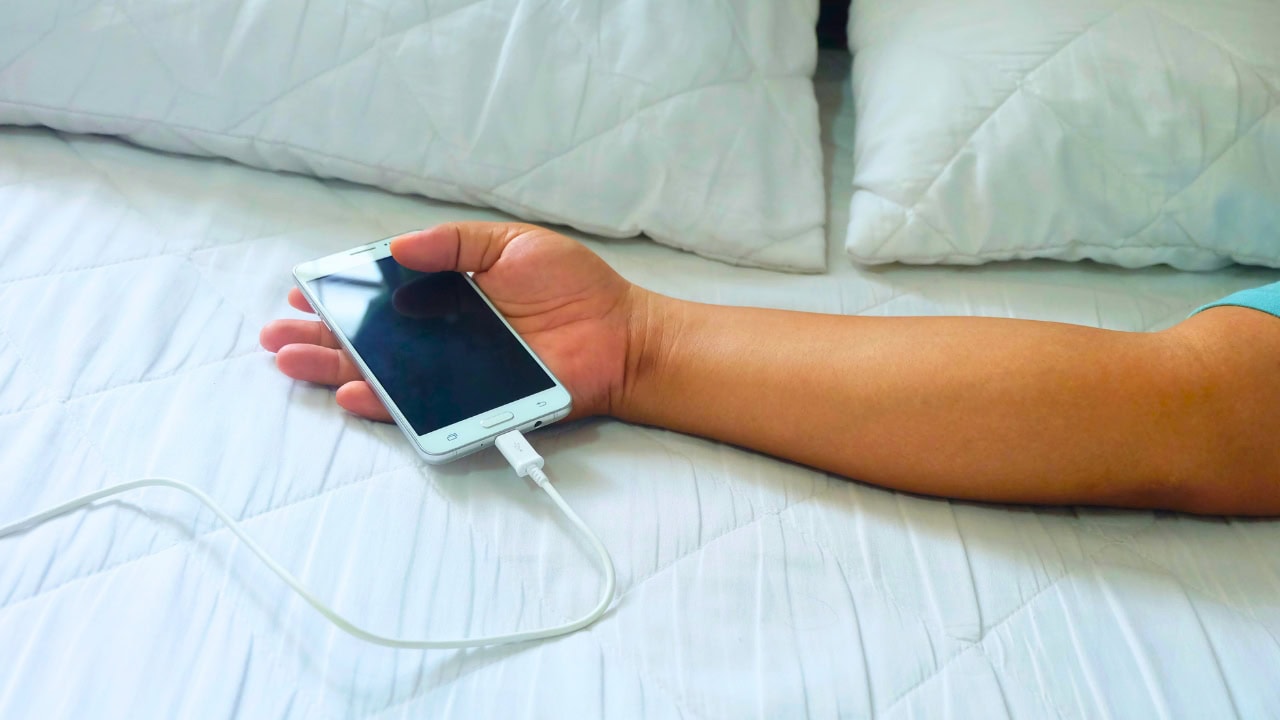
Phone chargers

Phone chargers continue to draw power even when your phone isn't connected. It's a small amount, but when you leave them plugged in 24/7, the wasted energy adds up.
Now, I unplug them after each charge or use a power strip that I can switch off. It's an easy adjustment that helps keep phantom energy use in check.
Laptop chargers

Laptops pull power even in sleep mode, and the charger itself draws current when it's left in the wall. That extra usage can show up on your bill.
Unplugging the charger when it's not needed not only saves energy but also helps extend the lifespan of the adapter.
Coffee makers

Most coffee makers have internal clocks or warming plates that use power all day long. Even if you only brew once in the morning, it sits there drawing energy.
I started unplugging mine right after making coffee, and I noticed a difference in how much less often I had to reset it compared to before.
Microwaves

The clock and digital display on microwaves may not seem like much, but they run nonstop. If you don't rely on the built-in clock, unplugging can cut that wasted energy.
It also prevents the small trickle of standby power many microwaves use even when idle.
Toasters

Toasters don't use power while idle, but many modern models with digital controls or lights do. It's safer and cheaper to unplug after each use.
This also reduces the risk of electrical shorts since toasters collect crumbs that can sometimes create hazards over time.
Televisions

Even when turned off, most TVs stay in standby mode to power quick-start features and remote sensors. That constant trickle adds up on your bill.
I plug mine into a power strip and flip it off when I know I won't be watching for a while.
Gaming consoles

Gaming systems are some of the biggest standby power users. They stay connected for automatic updates, but that means they're drawing electricity around the clock.
If you don't game daily, unplugging them or turning off the strip they're on saves a surprising amount over time.
Printers

Printers often sit idle but still use power for displays, wireless connectivity, or warm-up functions. Leaving them on all the time is an unnecessary drain.
Unplugging or powering them down between uses makes sense if you only print occasionally.
Stereos and speakers

Speakers with built-in lights, displays, or Bluetooth connectivity often stay active in standby mode. Even when quiet, they're still using energy.
Unplugging them or turning off a connected surge strip prevents that hidden drain.
Air fryers and slow cookers
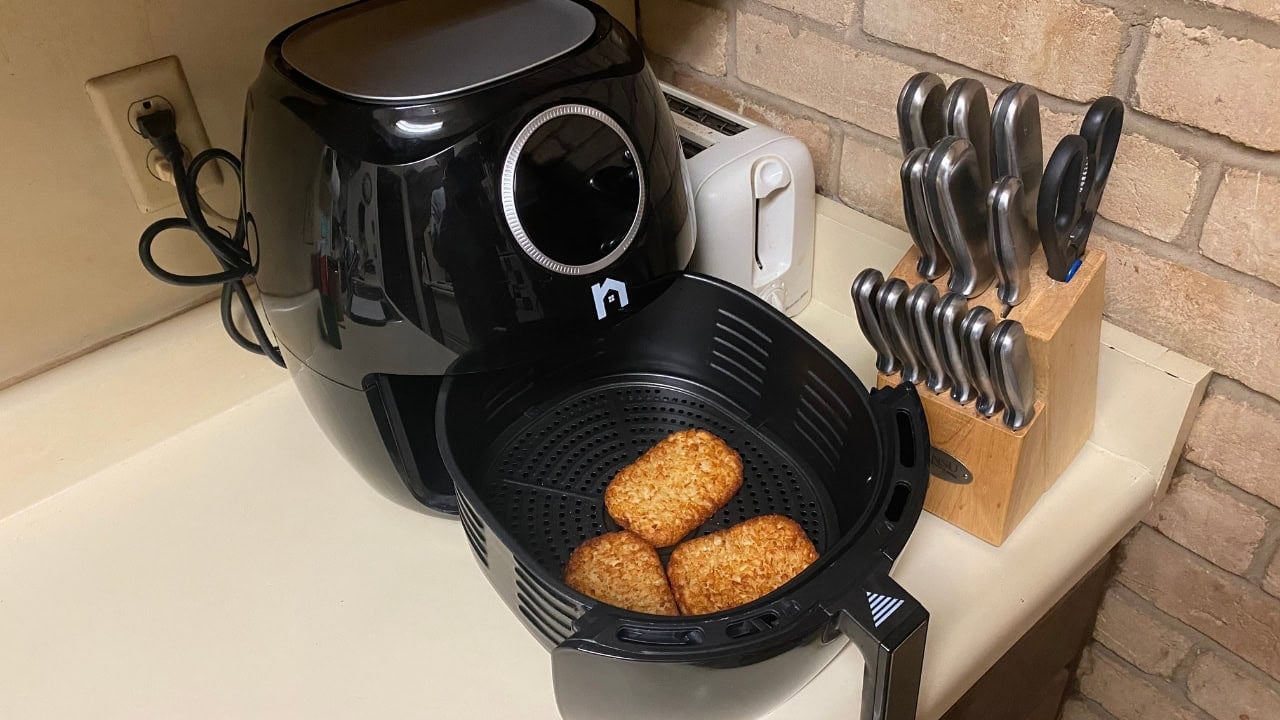
Small kitchen appliances like air fryers and slow cookers sometimes have digital timers or display lights that stay on while plugged in.
I unplug them when not in use, and it makes me more mindful about keeping the counters clutter-free too.
Routers and modems (overnight)

This one depends on your needs, but if you don't need internet overnight or while away, powering down your router and modem saves energy.
It also gives your equipment a fresh reset, which can improve performance when you turn it back on.
Lamps with smart bulbs

Smart bulbs continue to draw power to stay connected, even when off. If you don't rely heavily on smart features, unplugging or using a manual switch cuts that phantom usage.
It's a small change, but when combined with the other unplugged items, it helps keep your bill lower month after month.






Leave a Reply