
Phones are supposed to make life easier, but they quietly pull on your budget all month long. A few small settings, habits, and app choices are usually behind the nickel-and-diming. The goal isn't to ditch your phone. It's to stop it from inviting spending you didn't plan.
Start with the monthly bill you barely look at
Open your provider app and check line items: device payments, insurance, "protection" add-ons, and international features you don't use. Many families are paying for perks they never asked for.
Call and ask for current promos, auto-pay discounts, and loyalty pricing. If your plan is older, switching to a modern tier can drop the total without losing coverage. Take notes while you're on the call so you can repeat the same ask next year.
Trim data creep you don't notice
Background app refresh and auto-play video eat data, which can bump you into higher tiers. Turn off auto-play in social apps, set maps for offline areas you use often, and force big updates onto Wi-Fi only.
Most people can move to a cheaper data plan once those three switches change. You'll still scroll the same; you'll just stop paying extra for it.
Silence the ads that push impulse buys
Notifications are invitations to spend. Turn off marketing pings from retailers and food delivery apps. Keep only the alerts that protect you-bank, calendar, weather.
With fewer "limited time" buzzes, you're not fighting ten micro-temptations a day. Your brain gets quiet again, which is great for your budget.
Unlink stored cards from shopping apps
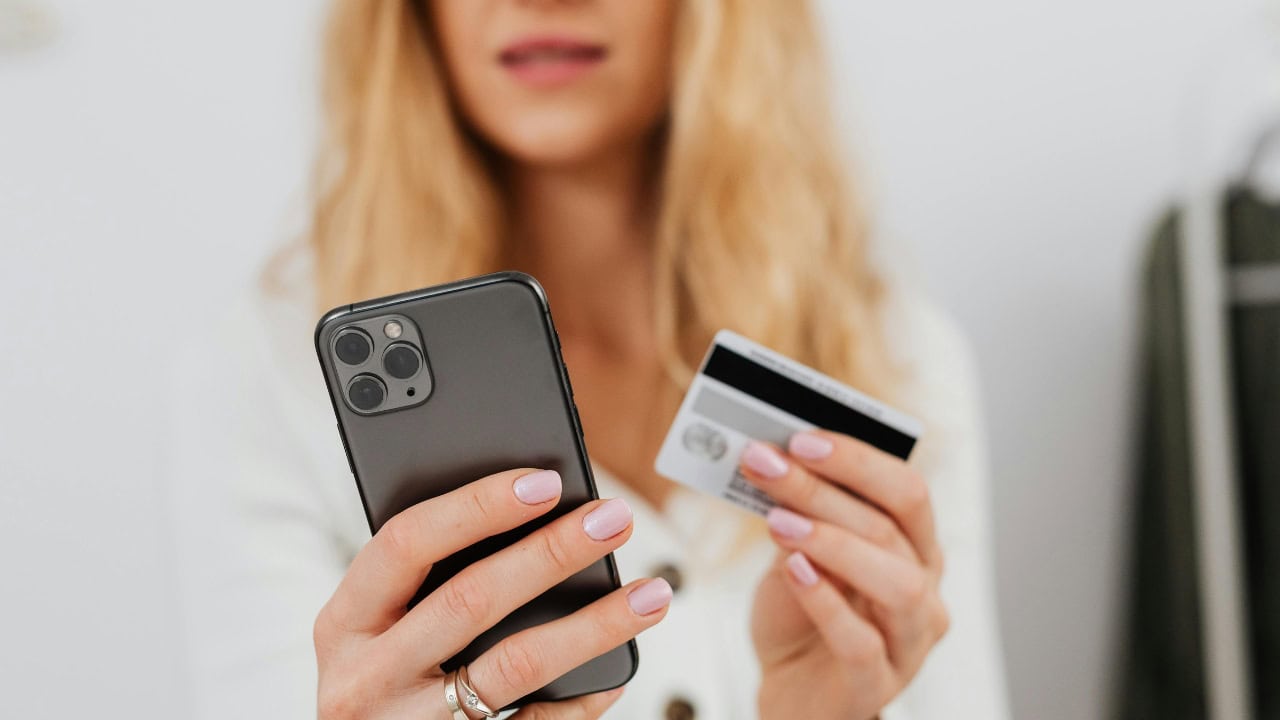
One-click checkout is a convenience and a trap. Remove stored cards from the apps you overspend in, then make payments go through a browser. That tiny friction step is enough to break the late-night purchase loop.
If you still want the purchase tomorrow, you'll complete it. If not, you just saved real money with a thirty-second setting change.
Watch subscriptions hiding in app stores
Check your Apple App Store or Google Play subscriptions. Cancel trials, pause apps you're not using, and switch any keepers to annual only if the math makes sense.
Set a monthly reminder to review again. These charges are quiet on purpose. You need a louder habit.
Redraw your home screen so you stop "default spending"
Move shopping and food apps off the first screen and pull forward your notes, calendar, banking, and camera. Make the helpful actions easy and the expensive ones a few swipes away.
Your thumb follows the path you build. When the path points to planning instead of buying, your total drops without a lecture.
Cap ride-share and delivery fees before they start
Delete saved addresses in delivery apps so you have to re-enter them. It sounds silly, but it slows you down enough to ask if pickup is fine. Pickups save fees and tips you didn't budget for.
For ride-share, set a price alert ceiling. If surge pricing crosses your line, you'll see it and choose differently.
Use low-tech cues that beat screen time
If phone time leads to purchases, give yourself breaks. Put your charger in another room at night so you're not half-asleep shopping. Drop the phone in a basket near the door when you get home so evenings aren't fueled by ads.
No judgment, just less exposure. Less exposure equals fewer paid yeses.
Protect kids' taps from becoming your bill
Lock down in-app purchases, require approval for downloads, and use content filters. Kids don't mean to spend money; the design makes it easy.
Explain the rules once, then let the settings back you up. It saves arguments and surprise charges.
Decide what the phone is "for" in this season
Write one sentence: "My phone is for photos, calls, maps, and money check-ins." When a new app asks for space in your life, it has to earn it. Most won't.
A clear purpose turns your phone back into a tool. Tools save money. Toys ask for it.
*This article was developed with AI-powered tools and has been carefully reviewed by our editors.






Leave a Reply